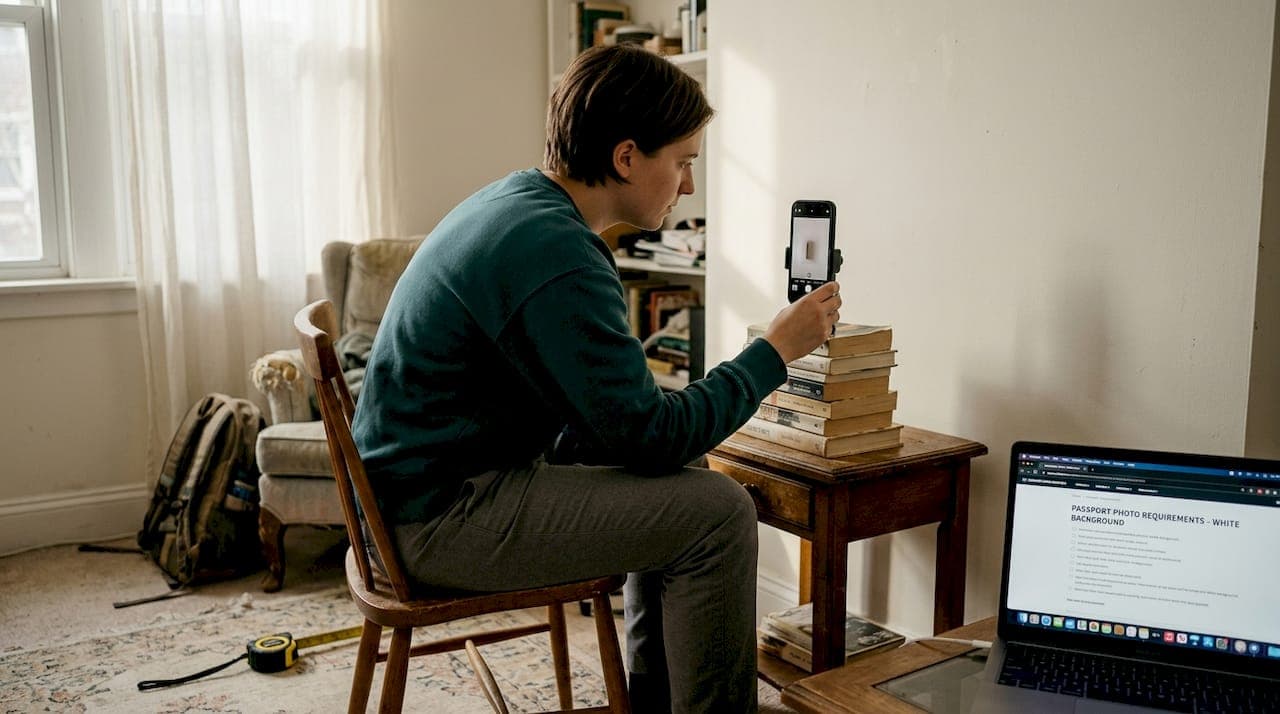
Getting your passport photo rejected is more than just an inconvenience. It can delay your application by days, cost you extra trips to a photo studio, and leave you second-guessing every detail. For Indian passport and OCI applicants especially, the requirements are strict and specific, and small mistakes add up fast. The good news is that AI-powered tools have made this process genuinely simple. This guide walks you through everything you need, step by step, from gathering the right equipment to submitting a verified, government-compliant photo with confidence.
Table of Contents
- What you need to create a compliant passport photo
- Step-by-step instructions to create your passport photo online
- Troubleshooting and avoiding common mistakes
- Verifying your photo and submitting for Indian and OCI applications
- What most passport photo guides miss: Why automation is the game-changer
- Get started with PhotoPass for guaranteed acceptance
- Frequently asked questions
Key Takeaways
| Point | Details |
|---|---|
| Check official requirements | Always verify the exact size and background standards before creating your passport photo. |
| Use AI tools for accuracy | Smartphone photos processed by AI tools meet compliance with minimal effort and high acceptance rates. |
| Avoid common errors | Mistakes like incorrect size, face alignment, or a non-white background cause rejections; AI platforms help spot these instantly. |
| Expert verification boosts approval | Choosing tools with expert validation nearly eliminates the risk of application delays due to photo errors. |
What you need to create a compliant passport photo
Before you take a single photo, it helps to know exactly what the Indian government and OCI portals are looking for. The requirements are more detailed than most people expect, and skipping this step is one of the most common reasons photos get rejected.
Equipment checklist:
- A smartphone with a decent rear camera (12MP or higher works well) or a digital camera
- A plain white or off-white wall or backdrop, free of patterns, shadows, or furniture
- Good natural light from a window in front of you, or two soft artificial lights placed on either side to eliminate shadows
- A timer or a second person to take the photo so your arms are not visible in the frame
Photo requirements at a glance:
| Requirement | India Passport (Passport Seva) | OCI Card |
|---|---|---|
| Print size | 51x51mm (2x2 inches) | 51x51mm (2x2 inches) |
| Digital size | 630x810 pixels | 200x200 to 900x1500 pixels |
| File format | JPEG | JPEG |
| File size | Under 500KB | Under 200-500KB |
| Background | White | White |
| Face coverage | 70-80% of frame | 70-80% of frame |
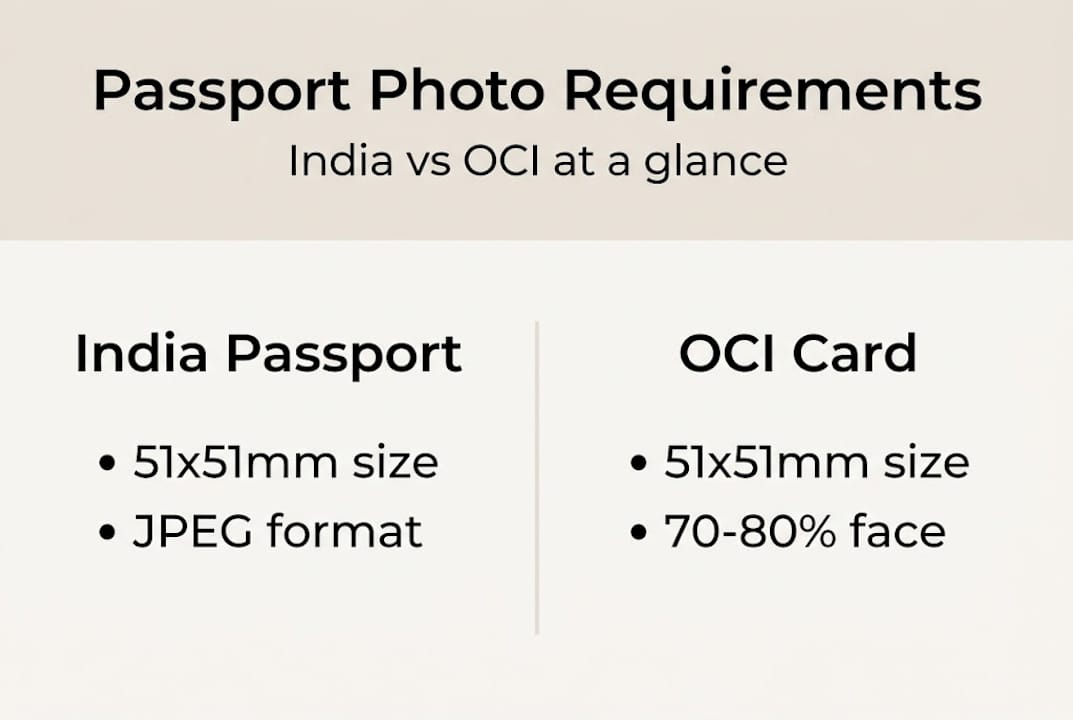
The 630x810 pixel format for India's Passport Seva portal is a detail that trips up a lot of applicants. Most generic photo tools default to the standard 2x2 inch square format used in the US, which does not match India's unique rectangular specification. If you submit the wrong dimensions, the portal will reject your upload outright.
For OCI applications, the OCI card photo requirements specify a printed 51x51mm square photo with 70-80% of the frame showing your face and a white background. Digitally, the file must be between 200x200 and 900x1500 pixels and under 200-500KB in JPEG format.
It is also worth noting that the rules for US passport photo requirements differ from Indian formats, so do not rely on a tool built primarily for the US market when applying for an Indian or OCI document.
Step-by-step instructions to create your passport photo online
Now that you have your materials and know the requirements, let's walk through each step to create your photo easily and accurately.
Step 1: Take your photo
Stand or sit about three feet from your background. Look directly at the camera with a neutral expression and your mouth closed. Both eyes should be open and clearly visible. Make sure there are no shadows on your face or behind you. Natural light from a window works well, but avoid direct sunlight, which creates harsh shadows.
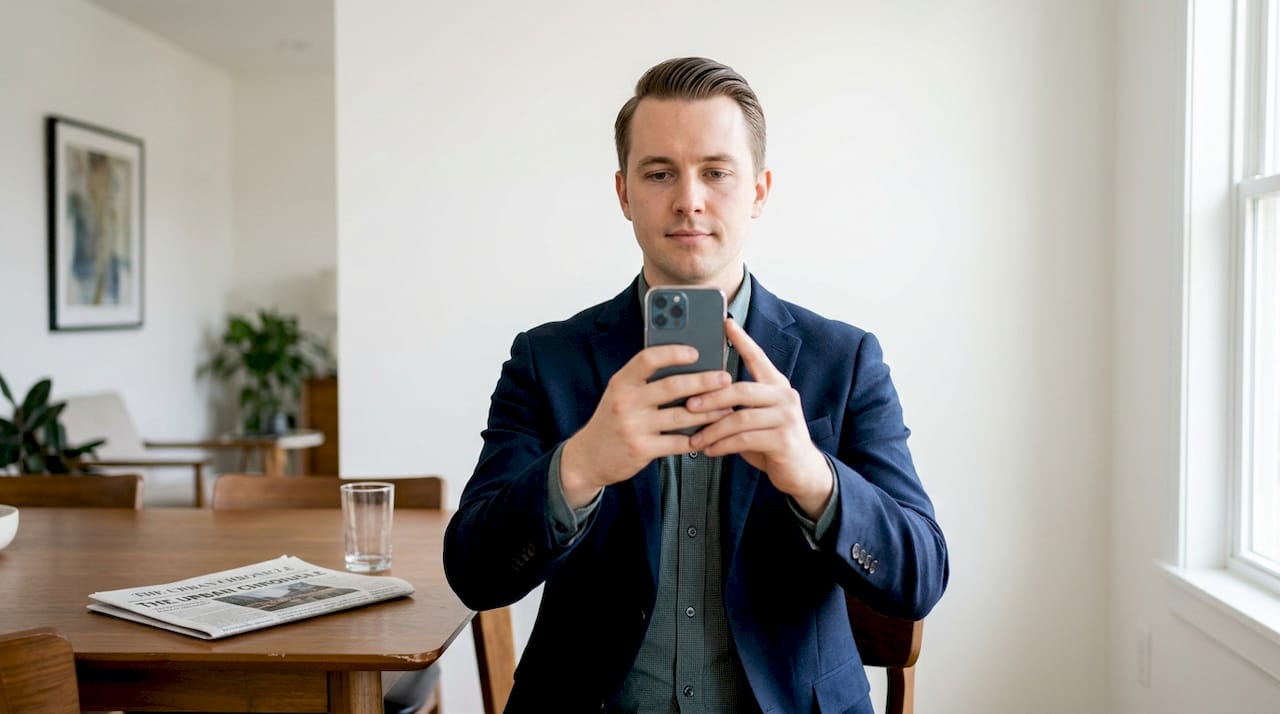
For tips on framing and positioning, the guide on taking passport photos at home covers the most common setup mistakes and how to fix them.
Step 2: Upload to an AI tool
Once you have a clear photo, upload it to an AI-powered passport photo maker. The tool will automatically detect your face, crop to the correct dimensions, remove and replace the background with white, and run compliance checks.
Step 3: Review and download
Most tools show you a preview before you pay or download. Check that your face is centered, the background is clean white, and there are no shadows or red-eye issues. Download the digital file for portal submission or order a print.
Pro Tip: Take three or four photos before uploading. Choose the one where your face is most evenly lit and your expression is completely neutral. A slight smile or a tilted head can trigger an automatic rejection.
Online AI tool vs. traditional photo studio:
| Factor | AI tool online | Traditional studio |
|---|---|---|
| Time | Under 3 minutes | 30-60 minutes travel and wait |
| Cost | $2.99 one-time | $10-$20+ per session |
| Format accuracy | Auto-adjusted to spec | Depends on staff knowledge |
| Availability | 24/7 from any device | Business hours only |
| Rejection risk | Low, with compliance check | Higher, manual process |
Users who have gone through the perfect passport photo guide report that the automated process is not only faster but also more consistent, since the tool applies the same compliance rules every single time without human error.
According to user reviews on Trustpilot, the online process typically involves four steps: take a well-lit selfie against a plain background with a neutral expression, upload it to the AI tool, let the tool auto-adjust size, background, and biometrics, then download the digital or print-ready file.
Troubleshooting and avoiding common mistakes
With your photo ready, let's tackle the most common traps that can trip up applicants and show how to avoid them.
Even a well-taken photo can get rejected if it misses one of the finer requirements. Here are the most frequent reasons passport photos are turned away:
- Wrong dimensions: Submitting a square 2x2 inch photo to India's Passport Seva portal instead of the required 630x810 pixel format
- Shadows on the face or background: Even a faint shadow behind your head can trigger a rejection
- Smiling or open mouth: Both Indian and OCI portals require a neutral expression with a closed mouth
- Non-white background: Off-white, cream, or gray backgrounds are not acceptable
- Outdated photo: Photos older than six months are typically not accepted
- Glasses: Indian passport rules no longer allow glasses in photos, even if they are non-reflective
- Head covering: Only accepted for religious reasons, and must not obscure any part of the face
AI tools significantly reduce these passport photo rejection reasons by running automatic checks against government specifications before you ever download the file.
"The most common rejections we see are wrong size, shadows, a slight smile, an old photo, or a non-white background. An AI tool that checks these automatically removes most of the guesswork." — OCI card photo requirements
Pro Tip: If your photo gets rejected by the portal, do not retake it immediately. First, read the rejection message carefully. Most portals specify the exact reason, which tells you exactly what to fix. Then use a compliance-checking tool to verify the corrected photo before resubmitting.
If you have already received a rejection, the guide on passport seva rejection fixes walks through the most common portal error messages and how to resolve each one quickly.
Verifying your photo and submitting for Indian and OCI applications
Once your photo looks correct and you have avoided common errors, the final step is to verify and submit. Here is how to do it with confidence.
Verification is the step most people skip, and it is also the step that separates a smooth application from a frustrating rejection. Before you upload anything to a government portal, run through this checklist:
- Face coverage: Your face should fill 70-80% of the frame. Too small and the portal rejects it; too close and it crops incorrectly.
- Background check: Zoom in on the edges of your hair and shoulders. Any gray fringe or leftover background color will fail the automated scan.
- File size and format: Confirm the file is a JPEG and within the required size range. India's Passport Seva portal is particularly strict about file size limits.
- Resolution: For Passport Seva, confirm the file is exactly 630x810 pixels. For OCI, confirm it falls between 200x200 and 900x1500 pixels.
- Recency: The photo should be taken within the last six months.
Tools with built-in expert verification give you a meaningful advantage here. Trustpilot reviews show that platforms offering expert verification alongside AI checks achieve 99% acceptance rates, with over 10,000 reviews averaging 4.7 out of 5 stars. Free previews are also available on most of these platforms before you commit to a purchase.
When you are ready to submit, use the India passport photo online tool to generate a file that is already sized and formatted for the Passport Seva portal. For printing, the guide on printing passport photos explains how to get a correctly scaled print from a home printer or a pharmacy print service.
Submission tips:
- Upload during off-peak hours to avoid portal timeouts
- Keep a backup copy of your compliant photo file in case you need to resubmit
- Double-check that the portal has accepted the upload before closing the browser
What most passport photo guides miss: Why automation is the game-changer
Most guides tell you to visit a photo studio or follow a long list of manual steps. That advice made sense a decade ago. It does not anymore.
The real problem with traditional studios is not cost or convenience. It is accuracy. A studio photographer in your city may have no idea that India's Passport Seva portal requires a 630x810 pixel rectangular file rather than a standard square. They print what they know, you submit what they give you, and the portal rejects it. You lose time and money, and the photographer has no accountability.
AI-driven tools solve this at the source. They are built around specific government specifications and updated when those specs change. They do not rely on a staff member remembering the right crop ratio. The acceptance rate of 98-99% seen with expert-verified platforms is not a coincidence. It reflects a system designed to get it right every time.
Using an expert-verified photo maker also removes the anxiety from the process. You are not guessing whether your background is white enough or your face is centered correctly. The tool tells you. That peace of mind is worth more than the few dollars you save by trying to do it manually. For more practical advice, the passport photo tips blog covers format updates and submission guidance regularly.
Get started with PhotoPass for guaranteed acceptance
If you have been putting off your passport or OCI application because the photo requirements feel overwhelming, PhotoPass makes it straightforward.
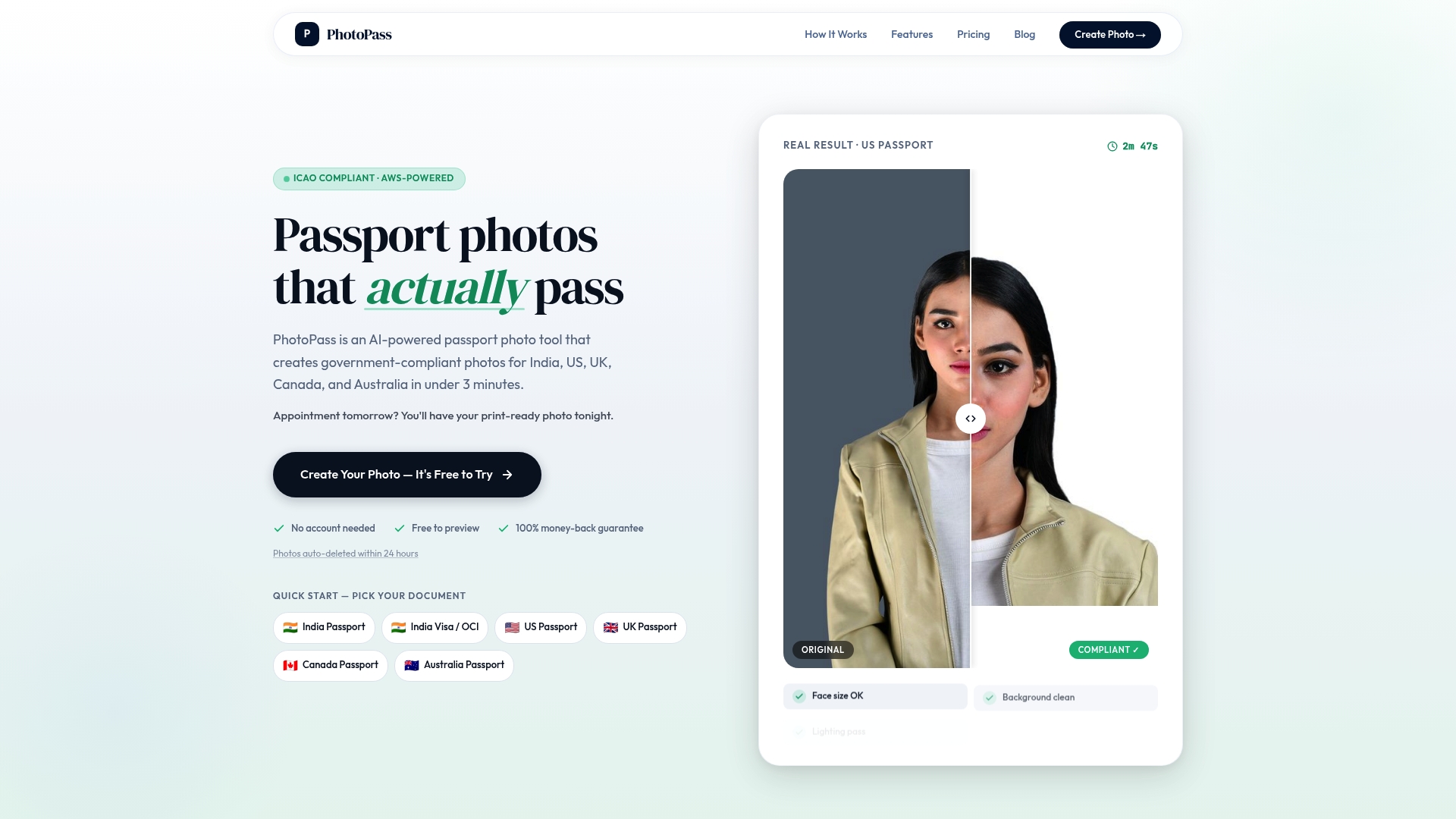
Upload a selfie at PhotoPass and get a government-compliant photo in under 3 minutes. The tool automatically formats your image for the India passport photo online Passport Seva portal at the exact 630x810 pixel specification, runs a 10-point compliance check, and removes the background. It also supports OCI, US, UK, Canada, and Australia formats. Priced at $2.99 with a 100% acceptance guarantee, it is the fastest way to get a verified photo without leaving your home. Follow the perfect passport photo guide to get started right now.
Frequently asked questions
What size photo is required for OCI applications?
OCI applications require a 51x51mm square photo with 70-80% of the frame showing the face and a plain white background. Digitally, the file must be between 200x200 and 900x1500 pixels in JPEG format.
How can I avoid my passport photo being rejected?
Follow the exact sizing and background rules for your application type, avoid smiling or shadows, and use an AI tool that runs automatic compliance checks before you download the final file.
Can I use a smartphone to take a passport photo?
Yes. A smartphone with a good camera, even lighting, and a plain white background produces a compliant photo when you upload it to an AI tool that handles cropping, background removal, and biometric alignment automatically.
Do AI photo maker tools guarantee acceptance?
Top platforms with expert verification consistently show 98-99% acceptance rates for Indian and OCI passport photos, backed by thousands of verified user reviews.
Recommended
- Indian Passport Photo Requirements 2026: The Complete Guide (Passport Seva, OCI, Visa) | PhotoPass
- OCI Card Photo Requirements 2026: Exact Specs, Common Rejections, and How to Get It Right | PhotoPass
- India OCI Card Photo Online — 2×2 Inch, Compliant Photo | PhotoPass
- India Passport Photo Online — Passport Seva 630×810px, ICAO Compliant | PhotoPass